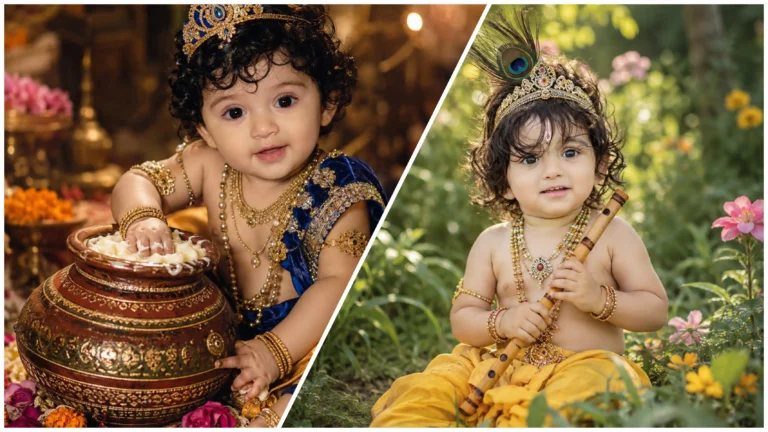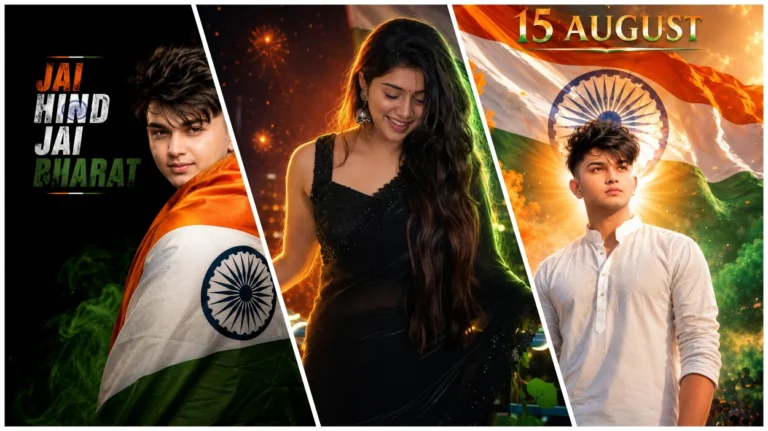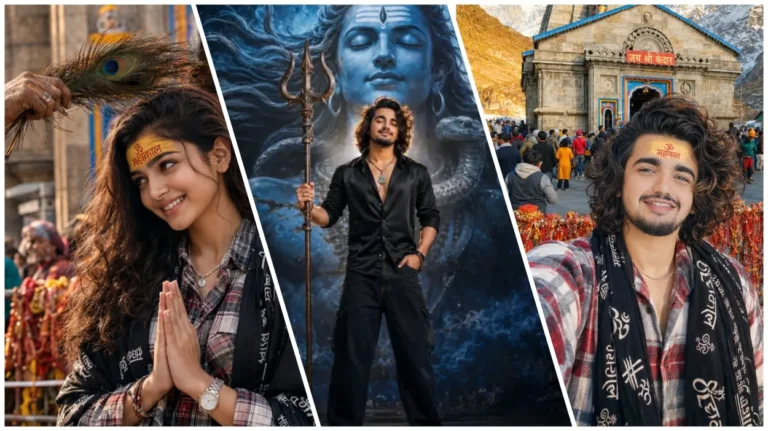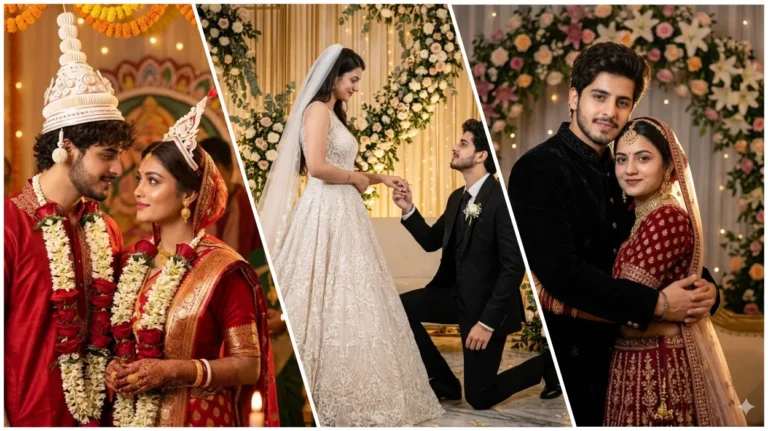
Kuchh samay pahale tak kisi bhi creator ke liye stylish DP ya logo banane ke liye editing software aur design Skkils ki zarurat padti thi. Lekin ab Ai image generation tool ki madad se is tarah ka design banana pahle ki tulna mein ab jyada aasaan ho gaya hai. Agar aap bhi apne social media account ke liye stylish DP banana chahate hai, To sahi prompt aur reference photo ki madad se stylish DP Bana sakte hain.
Social Media profile ke liye ek achhi DP aapki online identity ko better presend karne me bahut madad kar sakta hai. Ai prompt ki madad se aap apni photo, naam, background aur design style ko customize karke alag-alag tarah ka DP bana sakte hain.
Instagram dp ai prompt ka details
Is article mein hum new stylish Instagram DP prompt ke sath, kuchh purane prompt bhi share kar raha hun. Jisme circular frame, blue background aur custom name text ka use kiya gaya hai
Bas kuchh step ko follow karke aap apne instagram, facebook jaise social media ke liye ek sandar aur stylish logo bana sakte hai. To ab aap niche diye gaye prompt mese apne pasnd ka prompt chune aur dp banana suru karen
Stylish blue DP prompt
Is DP design mein subject ko circular frame ke andar rakha gaya hai. background mein blue gradient pattern diya gaya hai. subject ke pichhe bich me name text add kiya gaya hai.
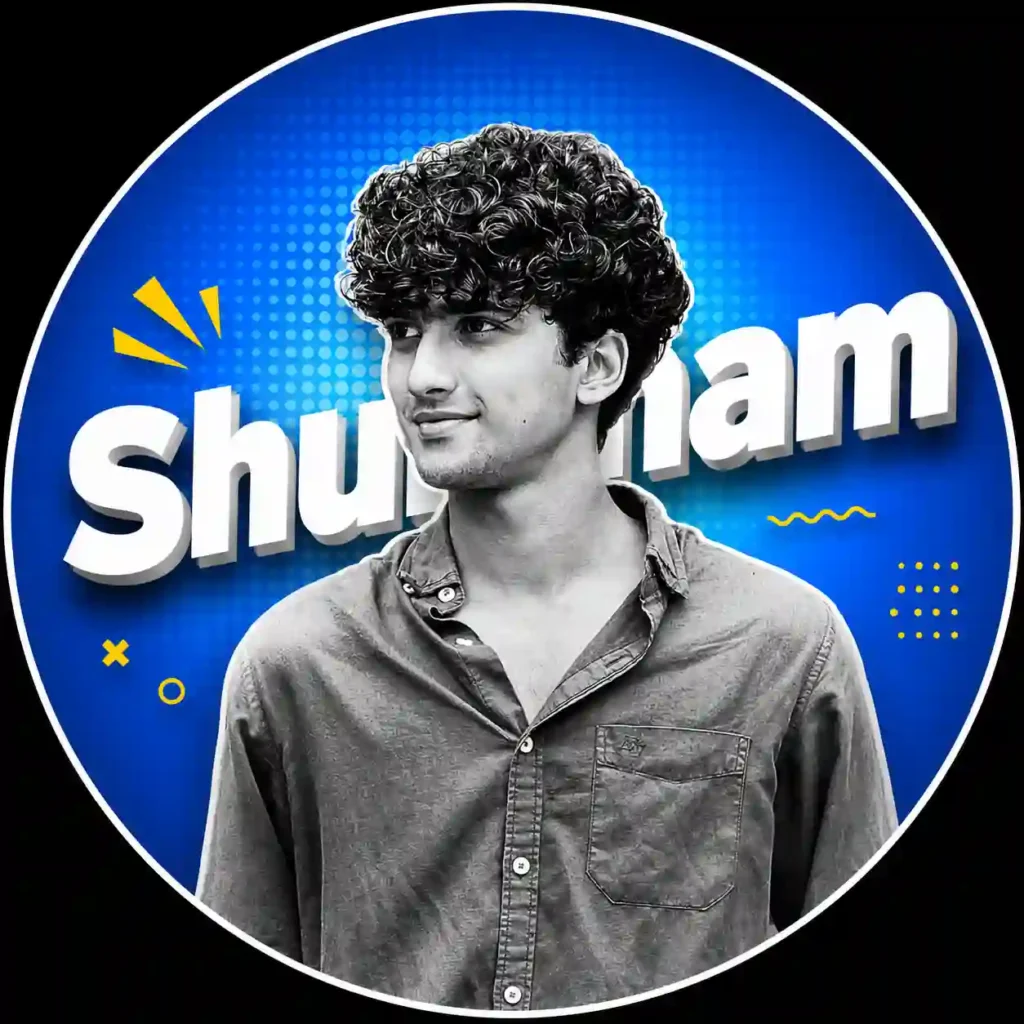
Use the uploaded photo as the main identity reference. Create a modern Instagram profile picture design.
Subject in black and white monochrome, high contrast portrait, clean cutout. Place the subject inside a perfectly centered circular frame.
Background: vibrant blue gradient with halftone comic-style dot pattern, smooth radial lighting.
Add large bold 3D white text behind the head with the name “Shubham”, slightly tilted, with soft shadow and depth effect.
Include small yellow graphic elements near the phone for a modern social media aesthetic.
Professional graphic design style, sharp edges, ultra clean composition, high resolution, modern DP template style, studio lighting, centered layout, Instagram profile picture format.
Black and white cinematic dp
Yah dp khaskar ladkiyo ke liye hai. Photo black and white hai. Aur text red color ka hai. Yah dp dikhne me bahut hi aesthetic lagta hai.
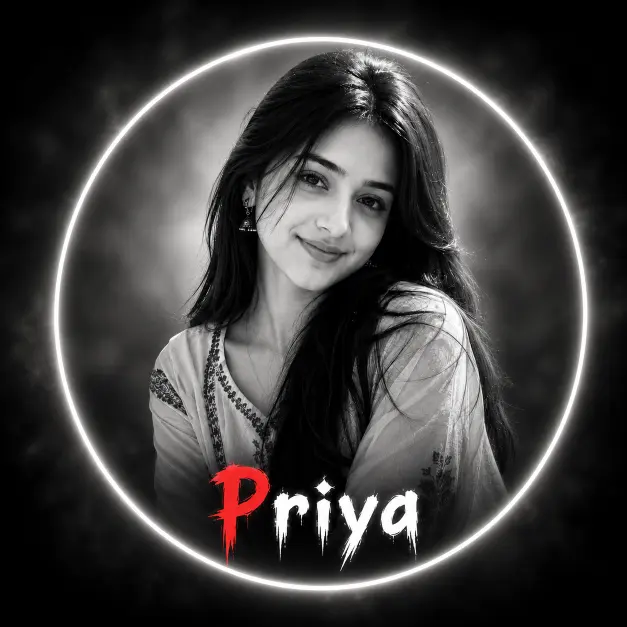
Transform the uploaded photo into an ultra-realistic black-and-white cinematic portrait. Keep the exact face, hairstyle, expression, skin texture, outfit, and identity unchanged. Apply soft-focus blur, dramatic cinematic lighting, deep contrast, and smooth grayscale tones. Add a bright glowing white circular halo frame around the subject. Place the name “Priya” inside the bottom area of the circle, centered beneath the face. Use a bold horror-style dripping font, with the first letter “P” in bright blood-red and the remaining letters “riya” in pure white. Add dark smoky vignette edges, subtle mist, soft glow, shallow depth of field, DSLR-quality photography, premium poster design, mysterious atmosphere, high detail, ultra-sharp facial features, realistic shadows, cinematic color grading in monochrome, centered composition, 1:1 aspect ratio, 8K resolution, masterpiece quality.
Stylish instagram dp prompt me kya hai?
Stylish Instagram DP Ai Prompt ek text instruction hota hai, jisme ai tool ko photo ke subject, lighting, background, outfit, overall design ke baare mein bataya jata hai. Detailed prompt ki madad se aap normal photo se Stylish Instagram DP me badal sakte hai.
Sirf “meri photo se dp banao” likhne ki jagah aap prompt mein backgraund lighting, camera angle aur design elements ki details bhi add kar sakte hain.
- Realistic photo
- Background design
- Skin color aur texture
- Photo quality
- Bes light aur uska direction
- Dress aur uska color
- Camera angle
Logo ya dp ke liye sabse achha aspect ratio kya honi chahiye?
Instagram DP ke liye 1:1 aspect ratio ek practical choice hai, Kyoki social media profile photos aam taur par square format mein upload ki jati hai. Aap ai image generate karte samay 1:1 aspect raton ka ause kar sakte hai.
Stylish dp ka upyog kaha kiya jata hai?
Ek cinematic dp ko kai social media account par logo ke rup me upyog kiya jaa sakta hai. Jisme kuchh niche diye gaye hai.
- Instagram Dp
- Web icon
- Whatsapp dp
- Youtube creator dp
- Facebook dp
- Social media branding
Es dp ka upyog en sabhi social media platform par kiya ja sakta hai.
Chatgpt me instagram dp ai photo kaise banaye?
ChatGPT mein Ai image generation features ki madad se aap apni photo ko ek stykish DP design me badal sakte hai. bas neeche diye gaye step ko follow karein aur apna DP banana suru karein.
- Sabse pahale upar diye gaye Instagram stylish DP prompt mein se apni pasand ka prompt copy karein.
- Chatgpt app ya official website open karein.
- Zarurat padne par apni account se signup karein.
- + icon par tap karke apni clear reference photo upload karein.
- Ab copy kiye gaye prompt ko text box me paste kare. Agar aap outfit, background ya theme change karna chahte hain, to prompt ko edit kar sakte hain.
- Ab send button par tap kare aur kuchh second wait kare.
- result pasnd aane par image ko save kar lskte hain.
Final
Ai image generation tool ka upyog karke aap apne social media account ke liye stylish aur personalizer DP create kar sakte hai. Bas aapko sahi prompt aur clear reference photo ki jarurat hai. Isase aap alag-alag stylish dp bana sakte hai.