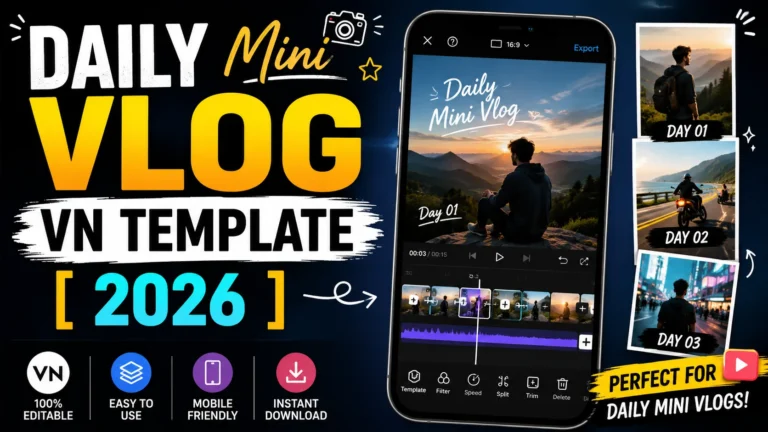
Slow motion vn template is a template which is used by millions of users every day, the reason is that by using it any old video becomes new and trending. And after sharing such videos on social media like Facebook, Instagram, you can get millions of views.
Friends, in this article we are going to give you the best vn templates of slow motion. All these templates come with great effects and they are all absolutely free. Using any of these templates, you can create your amazing video in just a few clicks.
In today’s time, everyone wants their video to be professional and unique. With the help of Slow Motion VN template, you can make any video look great and professional. These vn templates (Qr Code) include stunning transitions, smooth effects and great animations, making your videos look amazing.
This template is very easy to use, any user can use it very easily. . If you also want to make your content unique and amazing and attract the attention of the audience, then this slow motion vn template can prove to be very useful for you.
Templates (4)
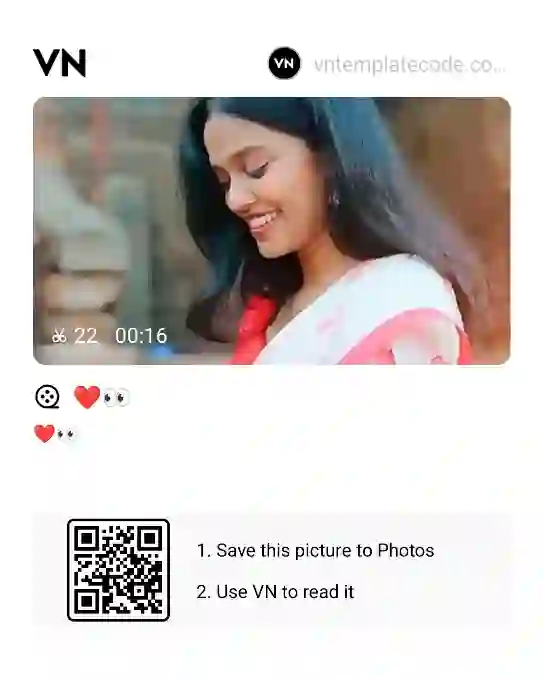
Smooth Slowmo with beat

Gata Only Slowmo
Healing Slow Motion
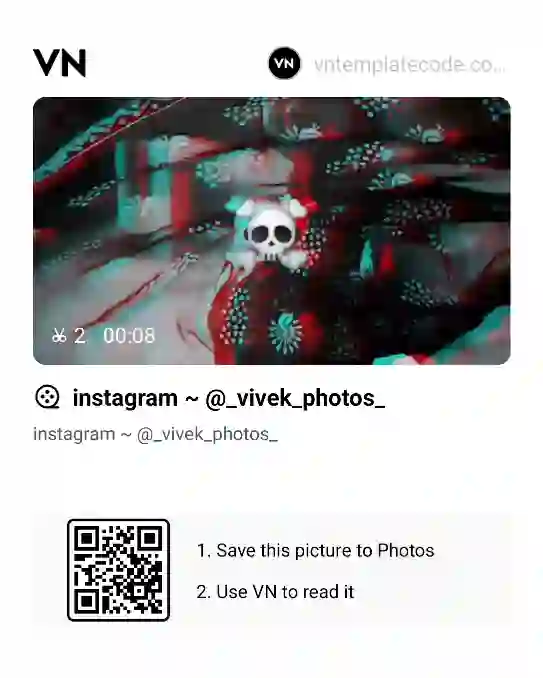
Slow Motion with music beat
How To Use Slow Motion VN Template?
It is very easy to add smooth slow motion to your video using slow motion vn template, you can create your video very easily by reading the steps given below carefully.
- First, install the VN Video Editor app on your device.
- Next, download the VN code from this post using the link provided above.
- Open the VN Video Editor app and tap on the Scan option at the top. Then, upload your downloaded VN Code.
- Once the VN Code is uploaded, the template will open automatically. Tap the “Use Template” button at the bottom, select your footage clips, and click “Next.”
- Within a few seconds, your Slow Motion Video will be ready. You can then save it to your device.
Conclusion
With the help of slow Motion VN Templates (qr code) you can make your ordinary video very attractive and trending. Amazing effects and smooth transitions are setup in this template, which makes any video trending.