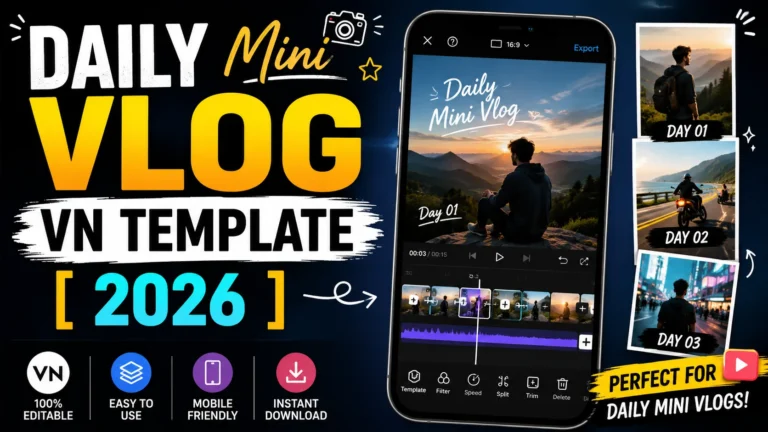
Are you looking for a great video edit to wish your girlfriend, friends or family member a happy birthday? So now you have come to the right place. We have brought for you the best 10 birthday vn templates which are completely new. This template includes cool effects, amazing transitions and background music and much more that give any video a stunning look.
Using these vn templates, you can create a wonderful birthday video from anyone’s photo and wish them a happy birthday. In this template you will get every type of template related to birthday like – kid’s birthday, couple’s birthday, brother’s birthday, best friend’s birthday, etc.
What Are The Features Of Birthday Vn Template?
Birthday VN Template is a pre-designed video editing template, using this template you can create a wonderful birthday video for your birthday or anyone’s birthday. Transitions, beat sync effects, photo slides, text animations, color grading and background music are already setup in this vn template.
In this you just have to add your photo and video and your birthday video will be ready in a few seconds. This template is very popular for Instagram Reels, Facebook Reels and WhatsApp Status. This template allows you to create great birthday videos while saving time.
Templates (10)
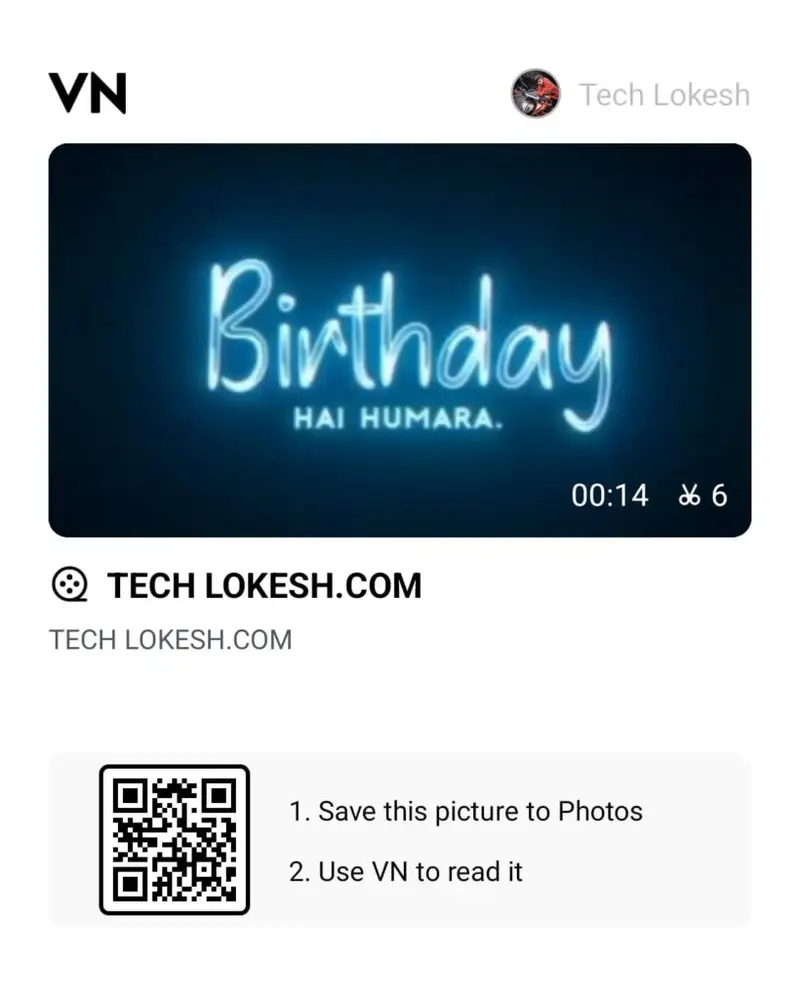
Birthday hai hamara
Happy Birthday wish
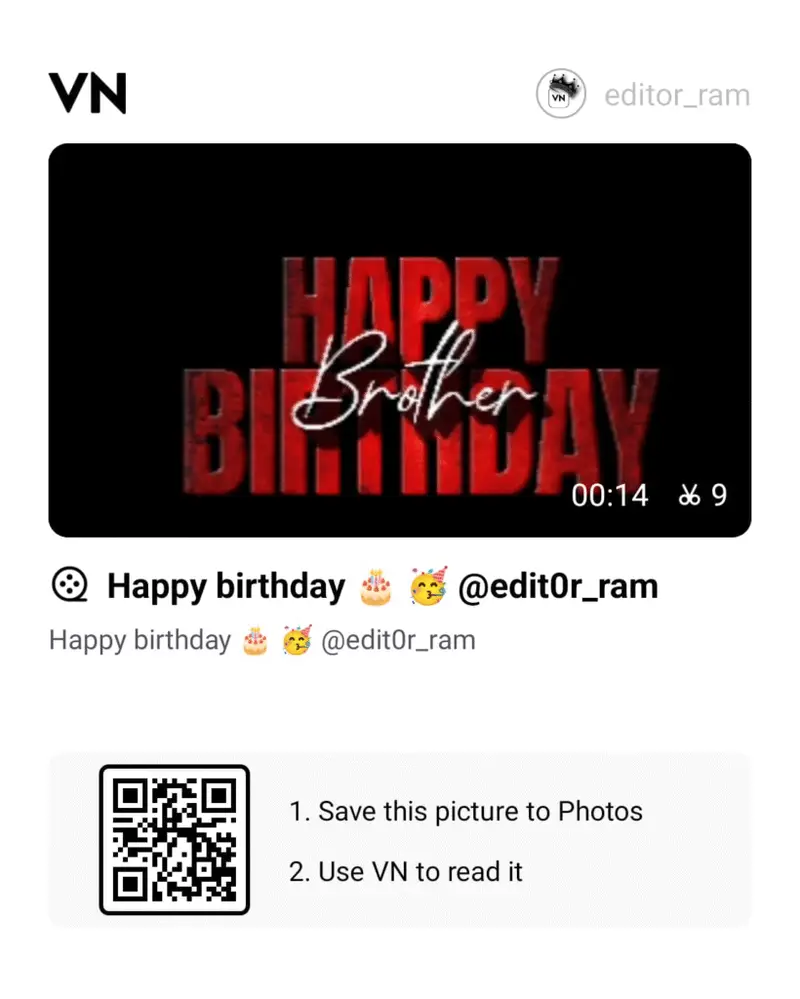
wishing you happy birthday
Birthday wish hindi song
Happy Birthday For Girl
Happy Birthday Meri Jaan
Birthday Special Trending
Birthday Music Template
Wish nahi karoge kya
Happy Birthday Dear
How To Use Happy Birthday VN Template?
With the help of Birthday vn template, you can edit your birthday video in just a few clicks. So now read the steps given below carefully and start making your video.
- First, install the VN Video Editor app on your device.
- Next, download the VN code from this post using the link provided above.
- Open the VN Video Editor app and tap on the Scan option at the top. Then, upload your downloaded VN Code.
- Once the VN Code is uploaded, the template will open automatically. Tap the “Use Template” button at the bottom, select your footage clips, and click “Next.”
- Within a few seconds, your Happy Birthday Video will be ready. You can then save it to your device.
Conclusion
If you want to wish a special person a happy birthday in a different way, then this vn template will be very useful for you. With the help of this template you can create your birthday video very easily and quickly.